-
Answer a short check-in
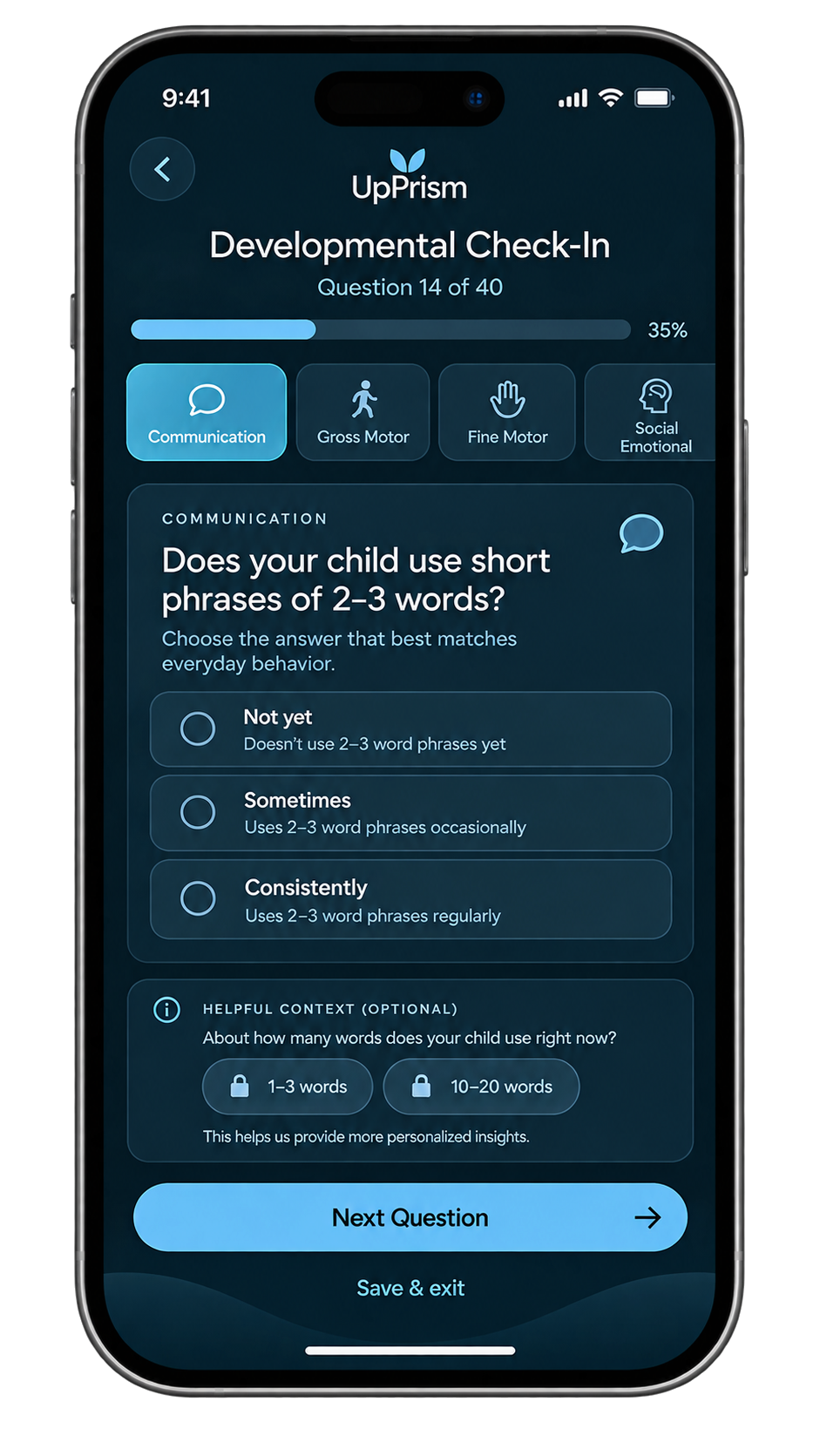
The check-in asks about everyday, observable behaviour across eight areas, such as “Does your child use short phrases of 2 to 3 words?” You answer Not yet, Sometimes or Consistently. Optional context questions help when you know more.
There is nothing to test and no equipment. You can save and come back later.
-
Read a plain-language profile
Your answers become a short description of what you told the app, area by area. It describes where your child is showing a skill often, sometimes or not yet. It does not label, grade or diagnose.
-
Review three suggested priorities
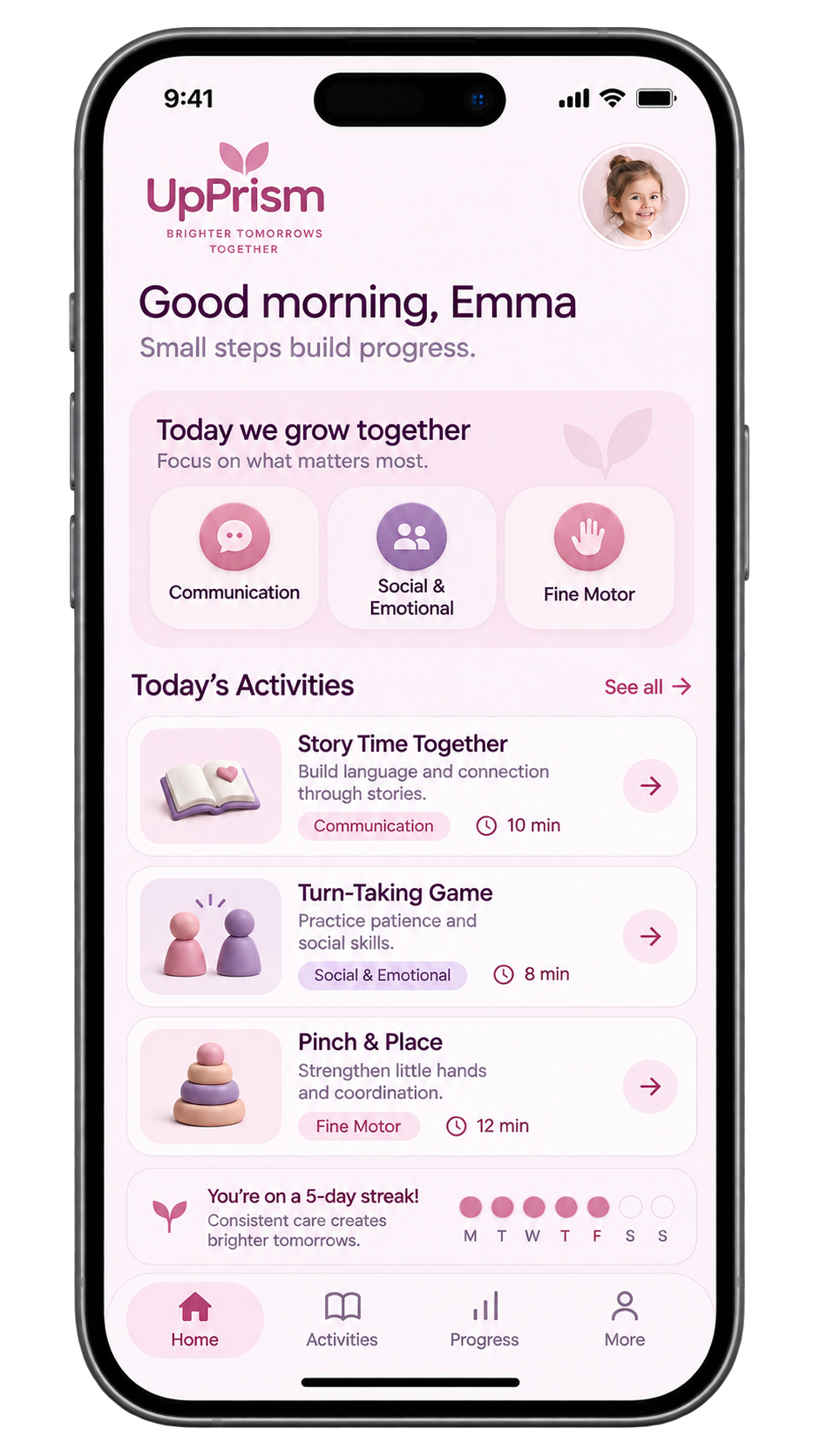
Based on your check-in, UpPrism suggests three areas to start with and explains why each one was chosen. If one doesn’t fit your family right now, you can replace it with another area.
-
Do one activity at home
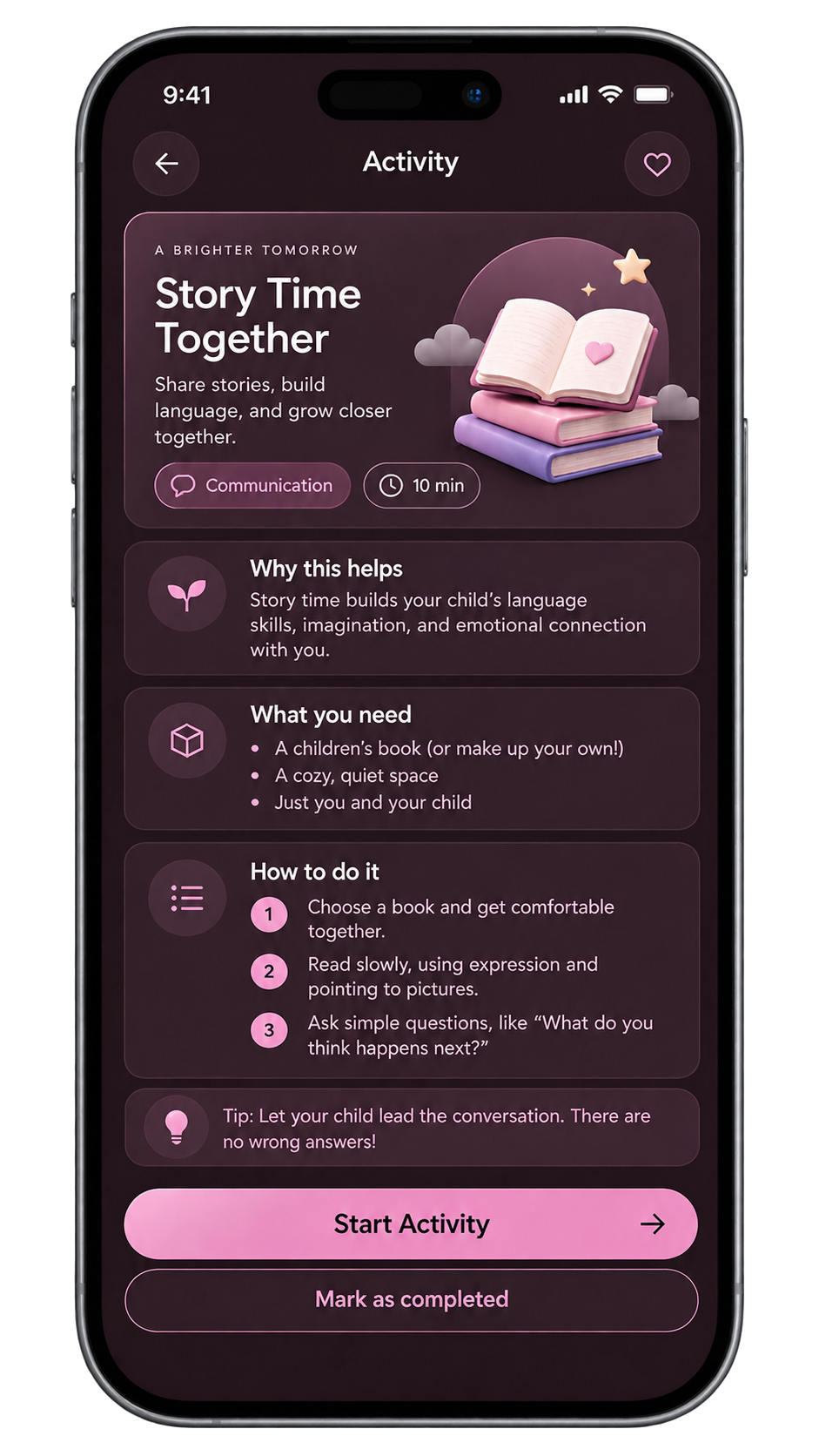
Each activity matches your child’s age and your priorities. It comes with a short “why this helps”, a list of what you need from around the house, and steps you can follow with your child in front of you.
-
Say how it went
After an activity, a quick note tells UpPrism whether it went well, was tricky, or didn’t happen today. You can add a few words of your own.
-
Come back and see the history
Check-ins, activities and notes are kept in order, so you can see what you tried and how it went. Repeat the check-in later and the profile and priorities update. You can bring the history to an appointment if you choose to.
Eight ways of looking at one child.
-
{{ a.name }}
{{ a.desc }}
The rules decide. AI helps with the wording.
Every score, priority and activity can be traced back to your answers and a fixed rule. The same answers always give the same result.
Scoring
Each answer maps to a value through documented rules, and the rules combine those values into a picture for each area.
Priorities
The same rules rank where practice is likely to help most and suggest three. You can replace any of them.
Activities
Activities are matched to your child’s age and your priorities from a library written for home use.
Wording
AI drafts friendly explanations. Each draft is checked against the rule-based result, and if AI is unavailable or a check fails, you see the rule-based explanation instead.
UpPrism does not diagnose. It is not a substitute for care.
- It does not diagnose any condition, or rule anything in or out.
- It does not screen for or predict autism, ADHD or any other condition.
- It does not give medical advice.
- It does not replace your doctor, nurse practitioner, speech-language pathologist, occupational therapist or any other qualified professional.
If you are worried about your child’s development, talk to your family doctor, pediatrician or nurse practitioner. In Ontario you can also call Health811 at 811 to speak with a registered nurse. In an emergency, call 911.